
Knowledge Assessment Course Registration
You must register for the JKSA Knowledge Advancement and Assessment courses in both the Naval Medical Leader & Professional Development Command Continuing Education (NMLPDC CE) website to earn CME credit and the Internet Testing Service (ITS) platform to access the assessment for your course. You must register on both platforms to complete the course and earn CME/MOC.
When the course is completed, attendees must return to the NMLPDC CE website to complete an evaluation form and request for credit validation before the CE certificate may be printed. Please follow the instructions on both websites.
CME/MOC Registration
The NMLPDC CE website is Common Access Card (CAC) enabled from a government networked computer. You will need your CAC with .mil certificate to access the site.
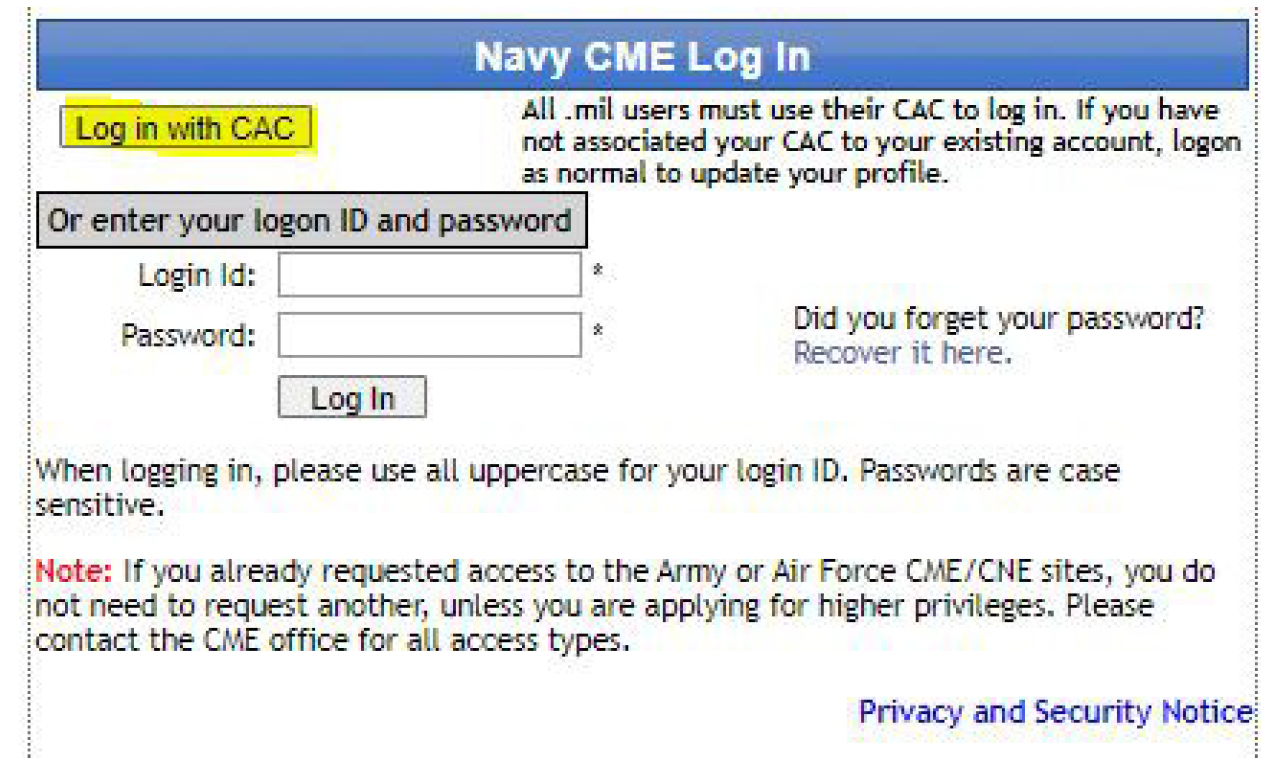
First Time Users:
1. Click on the Registration portal to open a login window.
2. Click on the Request access/ Login ID link.
3. Select Get data from CAC
4. Fill in any remaining fields
5. Click Submit
6. Your login ID and Password will be provided (see image).
7. Save this information in a safe place.
Part 1 Course Registration at NML & PDC Website
1. Click on the Registration portal to open a login window.
2. Click Login with CAC or Login ID & password.
3. From List of Activities Offered, enter “JKSA” as search parameter. Click Search.
4. Under Enduring Materials, find the JKSA Knowledge Advancement & Assessment courses for your specialty.
5. Pay attention to course dates! You will need to complete the course BEFORE the course end date.
6. Click on the link for the Activity ID/Title (JKSA Course)
7. A new browser tab will open with important course information. Print or save this screen as a PDF file.
8. Click the links to review the Brochure and Syllabus/Handout materials, including mandatory disclosures.
9. Click the link to open the Registration Screen.
10. Review and VERIFY all data displayed in your profile.
11. Click Register Now link
A 'Thank You' message confirms registration has been submitted.
NOTE: Registrations are not automatically approved! The request will be Pending status until approved by course CE Planner. This is a manual process and may take several days - please be patient. To check registration status, log back into the Registration Portal and click Registration Status link in top menu.
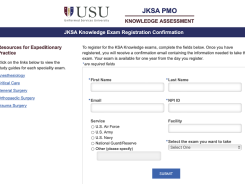
Part 2 Course Registration in Internet Testing Service (ITS)REGISTER FOR COURSE |

|